 AuthenticateMe
What is AuthenticateMe?
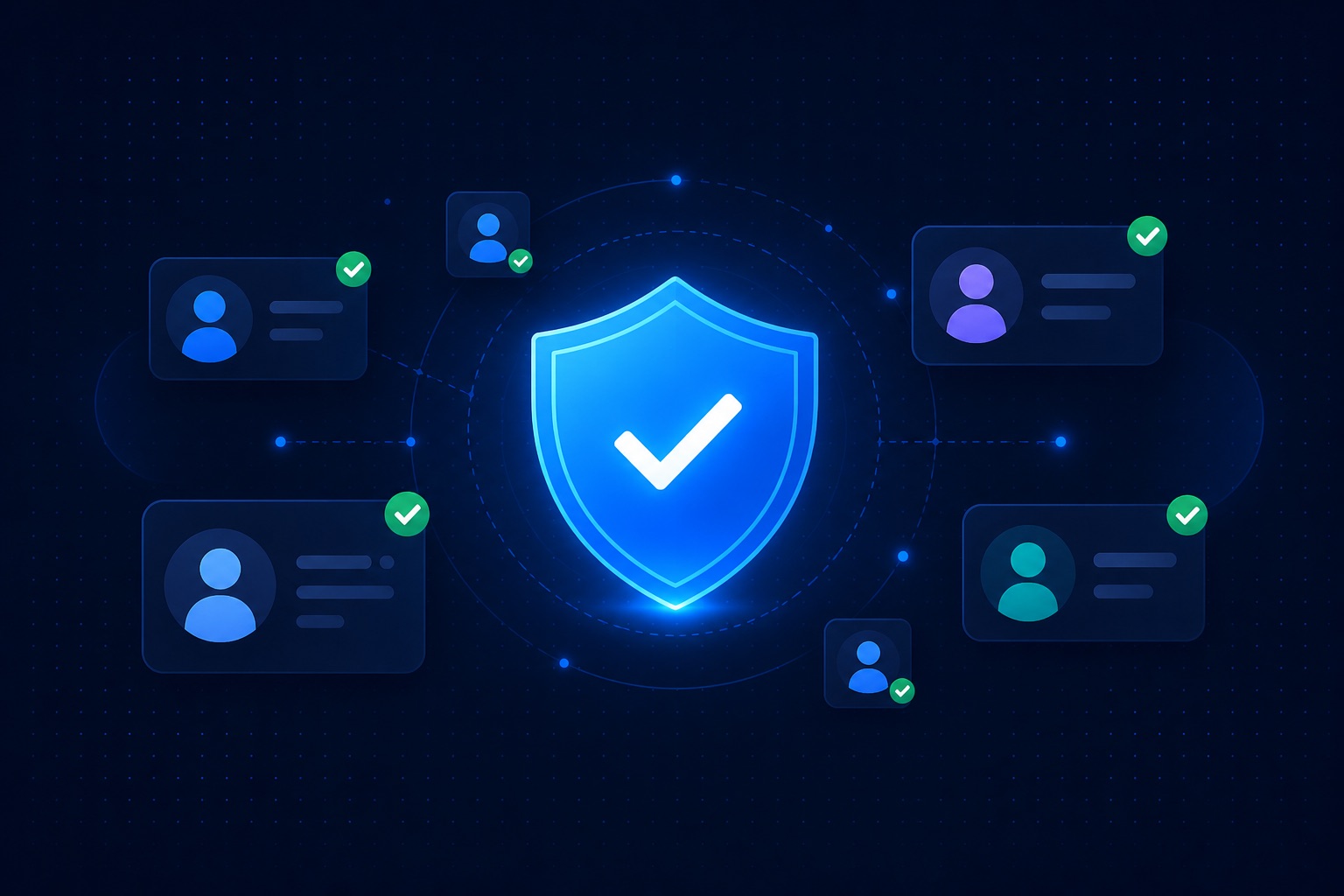
AuthenticateMe is a verification service for Discord servers. Not a generic moderation bot, not a ticket system, not a level-up gimmick. One job: decide who gets past your front door and who does not.
When someone joins your server, they hit a verify step before they can see the rest of your channels. You pick the rules. We enforce them through the bot, the website, and the dashboard.
Who is it for?
Any community that has been burned by raids, spam waves, or ban evaders coming back on fresh accounts. Gaming servers, trading hubs, support communities, private groups — if you have roles that gate access, verification belongs in front of them.
We built AuthenticateMe because existing tools either charged for basic protection or missed checks we cared about. The service grew from our own servers and from feedback across tens of thousands of communities.
How it works in practice
You invite the bot and configure your server in the dashboard:
- Choose a verified role members receive when they pass
- Optionally assign an unverified role while they wait
- Pick a verification mode: web link, in-Discord button, or instant checks on join
- Turn on security checks that match your threat level
New joins get held at the gate. Real members finish verify in a minute. Bots, VPN abusers, and alts get filtered based on what you enabled.
What makes it different
Most verify bots stop at a CAPTCHA or a button click. We run deeper checks during the web verification flow: fingerprint signals, email quality, VPN detection, threat scoring, and alternative account linking. A lot of that is free.
You also get logging, staff override tools, bypass sessions for edge cases, and a dashboard that does not require you to memorize slash commands.
Free vs Premium
The free tier is meant to be genuinely useful — not a demo. Premium removes ads from the verify flow and unlocks a handful of advanced browser checks plus priority support. See the Premium page for the full comparison.
Getting started
Add the bot, open the dashboard, and run through setup. If you prefer video, our tutorials walk through the whole process. Questions? The support server is always open.